The Quality Worksheet Template from the Odoo Quality module helps businesses standardise and speed up their quality control procedures. Quality inspectors can configure and use this template as a checklist or inspection form to carry out quality checks throughout the production cycle, from incoming shipments to manufacturing operations and final product reviews. By using a template, companies can ensure consistency in inspections, improve traceability, and reduce errors caused by human paperwork.
Odoo’s Quality Worksheet Templates are highly flexible, allowing businesses to create detailed quality checks using features like digital signatures, file attachments, and different question formats, including multiple-choice, text, and checkboxes. Once developed, a template can be linked to specific Quality Control Points, ensuring that inspectors always carry out quality checks in accordance with the correct protocol. This enhances adherence to regulatory standards and encourages continuous improvement throughout industrial workflows.
Enable Quality Worksheets from Inventory/Manufacturing > Settings > Operations > Quality to activate quality worksheet templates for manufacturing or inventory operations.
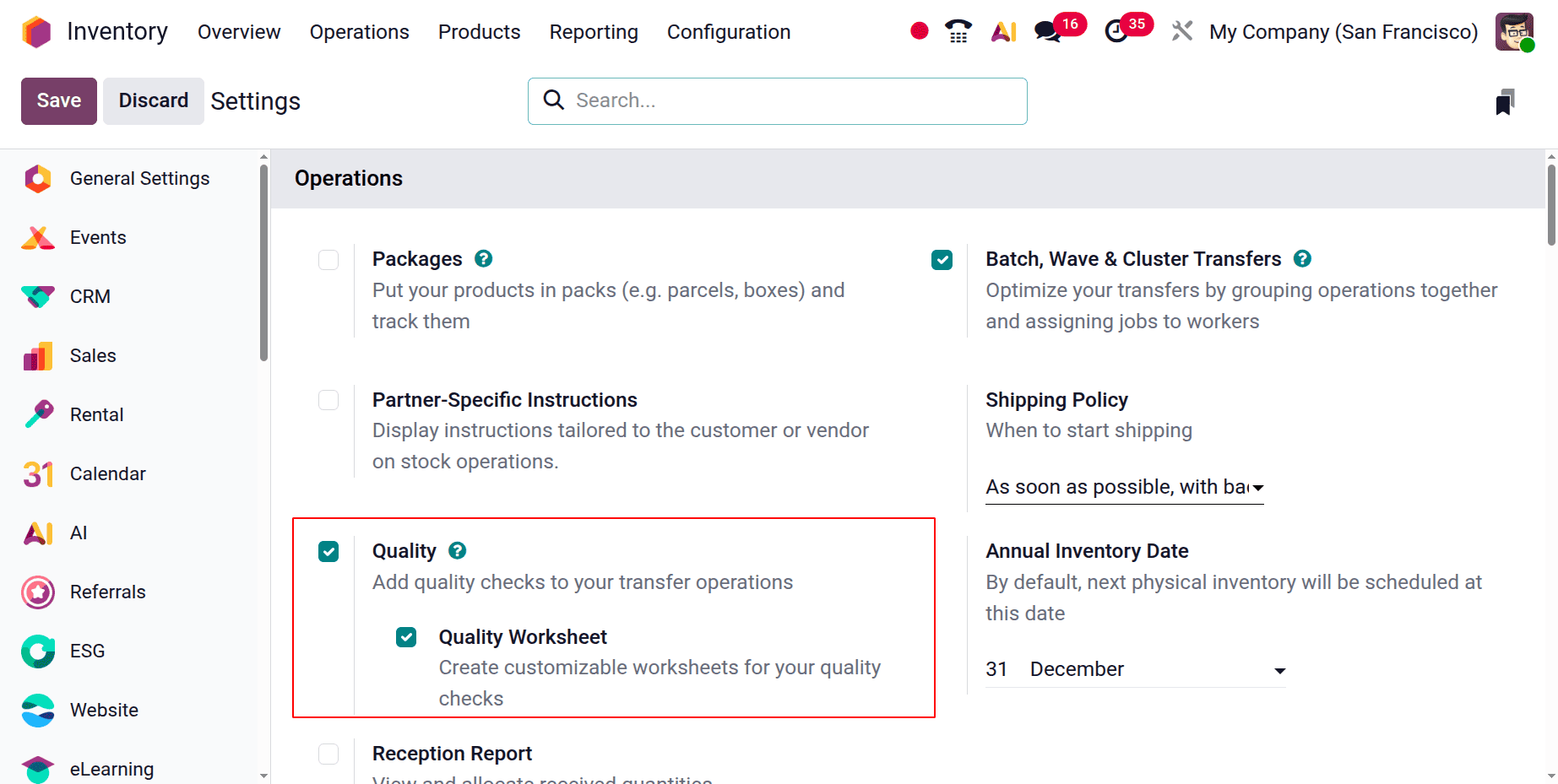
The Quality Worksheet Template is a helpful tool in the Odoo Quality module that assists quality inspectors in adhering to predefined inspection processes throughout the production or receipt of goods. By defining the structure and content of quality inspections, these templates ensure accuracy, consistency, and conformity to quality standards.
Each worksheet template can include different elements such as multiple-choice questions, checklists, instructions, images, and other sections based on the requirements of the quality check. Since these worksheets are fully customizable within the Quality module or through Odoo Studio, organizations can adapt them to suit specific tasks, products, or quality control points.
You can create and manage worksheet templates from the Configuration tab in the Quality module. Once configured, these templates can be selected as the worksheet type when setting up or performing a quality check, allowing inspectors to follow a structured inspection process.
When the Quality Worksheet Templates option is chosen, the list of templates and the number of worksheets they contain are displayed.
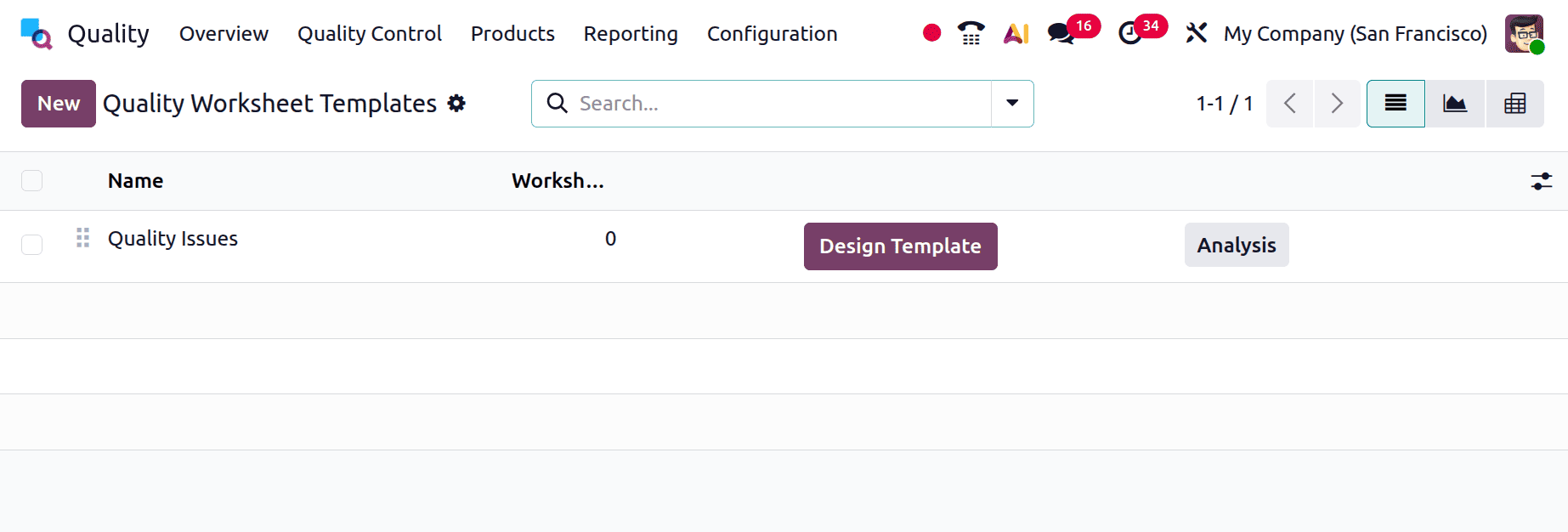
You may see the analysis of the worksheet by clicking the ANALYSIS button.
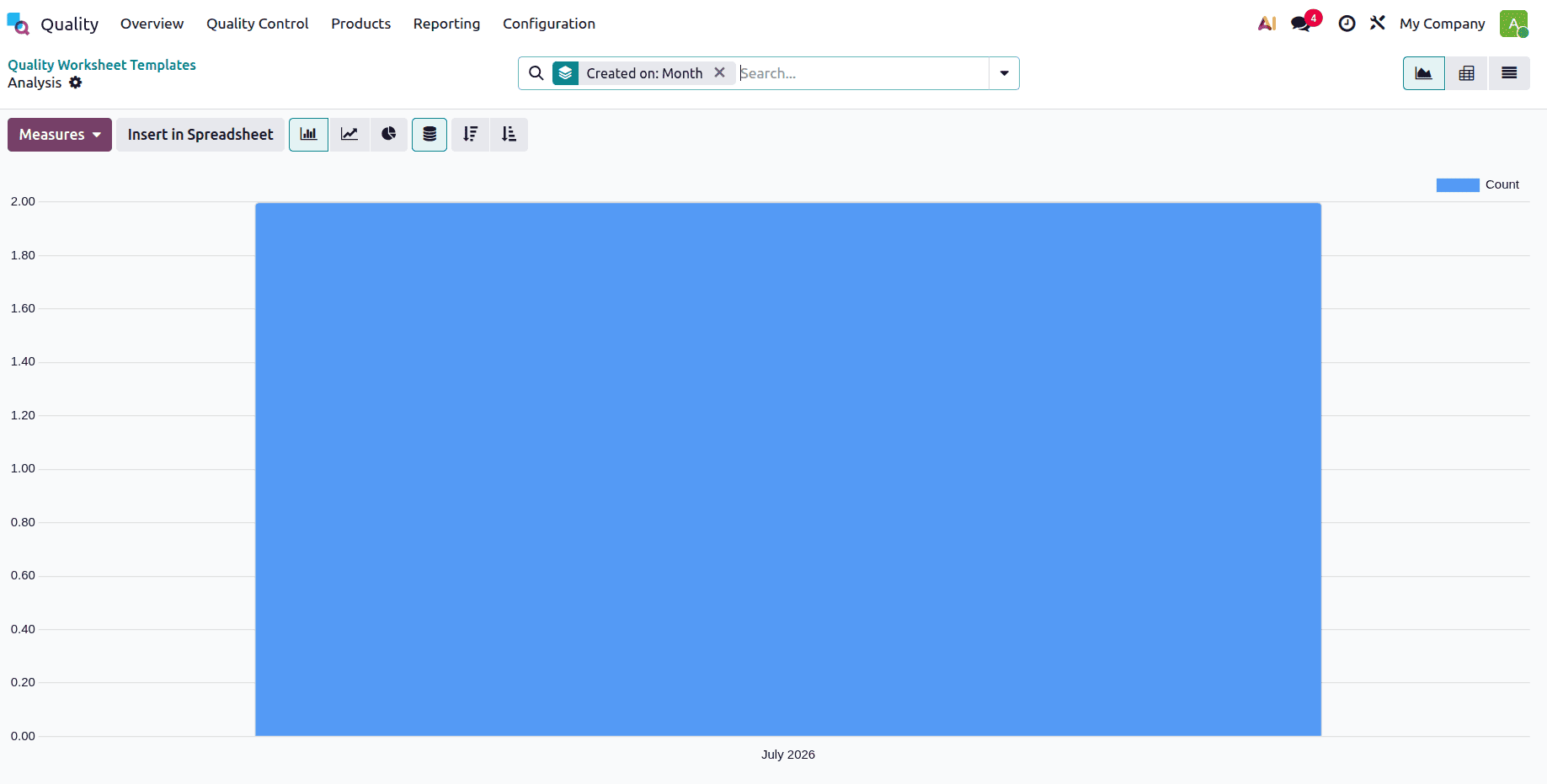
In this example, the count is displayed along the Y-axis, while the template values are shown on the X-axis.
Use the New button to create and add a new Quality Worksheet Template to the list. Enter the name of the worksheet template and the names of the businesses that use it.
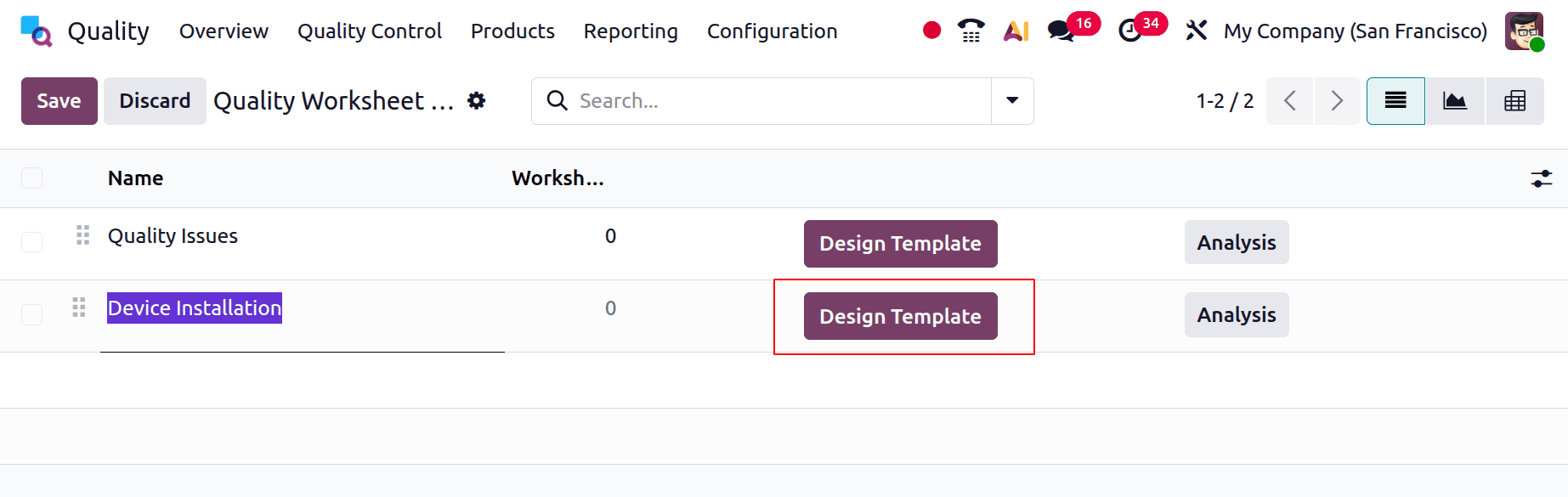
The template can be created using fields. Let's use the high-quality, pre-configured worksheet templates shown in the picture below.
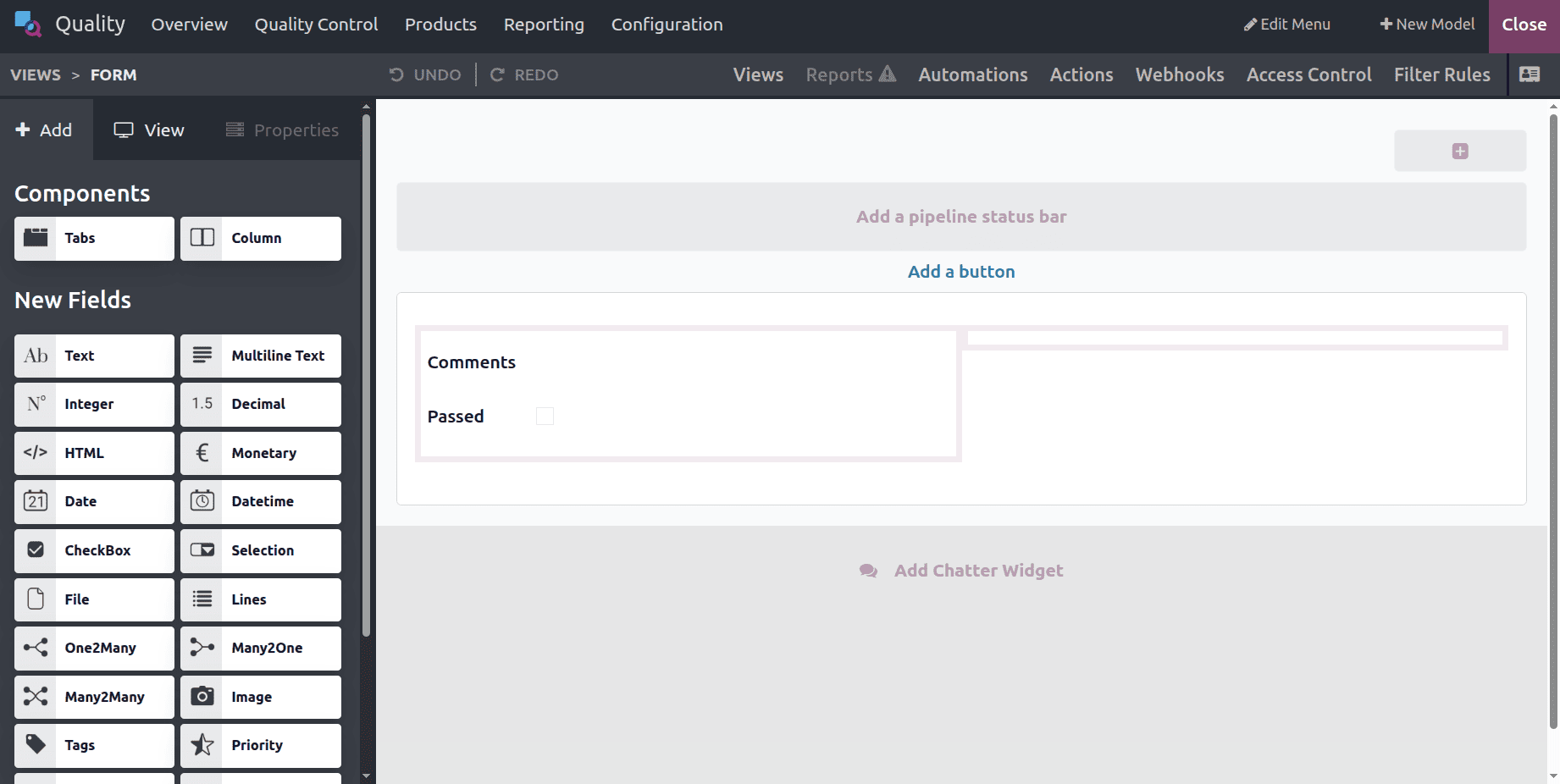
Once you choose the Design Template option, you can customize the page according to the example shown in the image below.
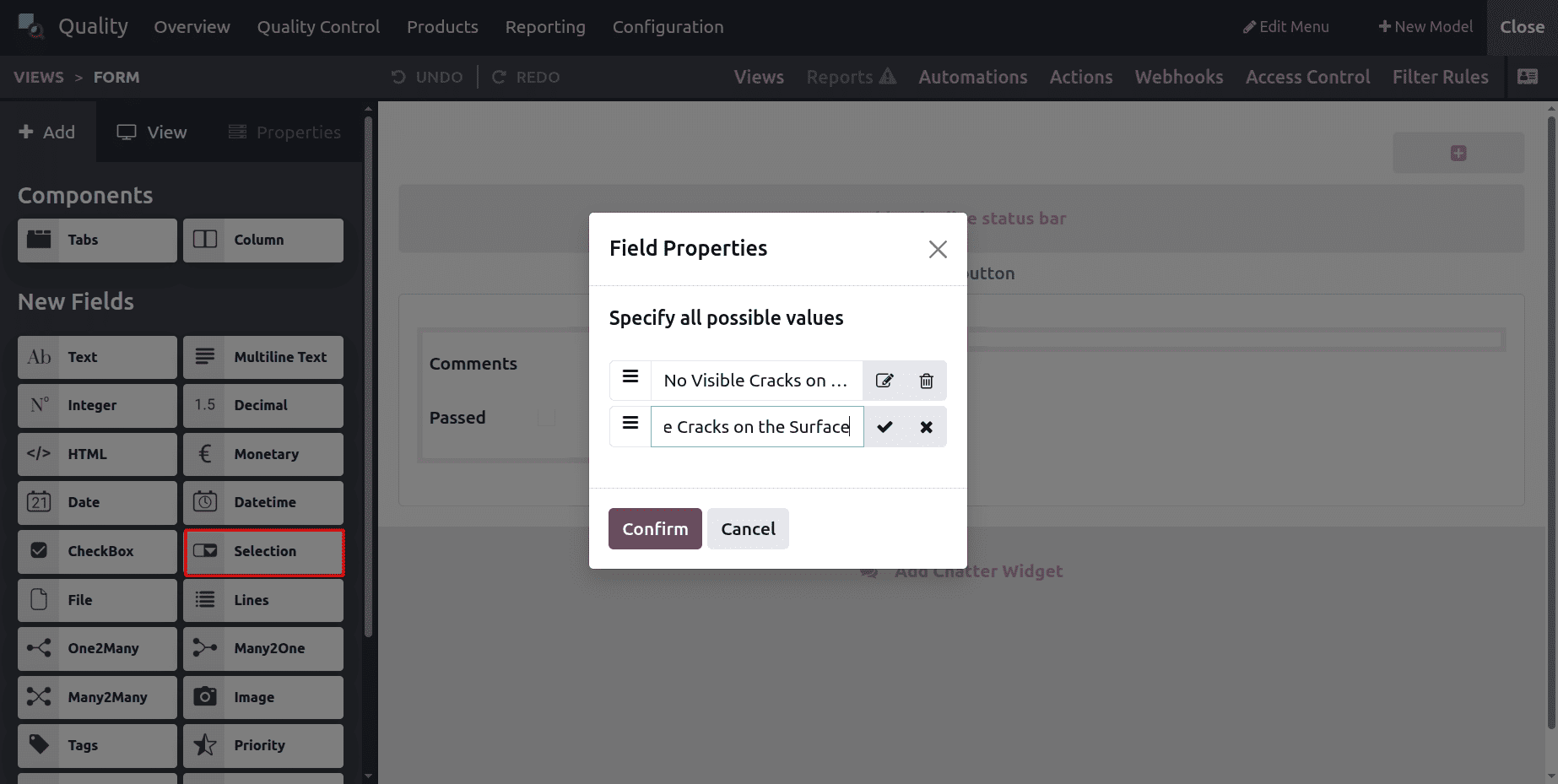
Choose the Selection as one field. Here, two possible values are added as shown below.
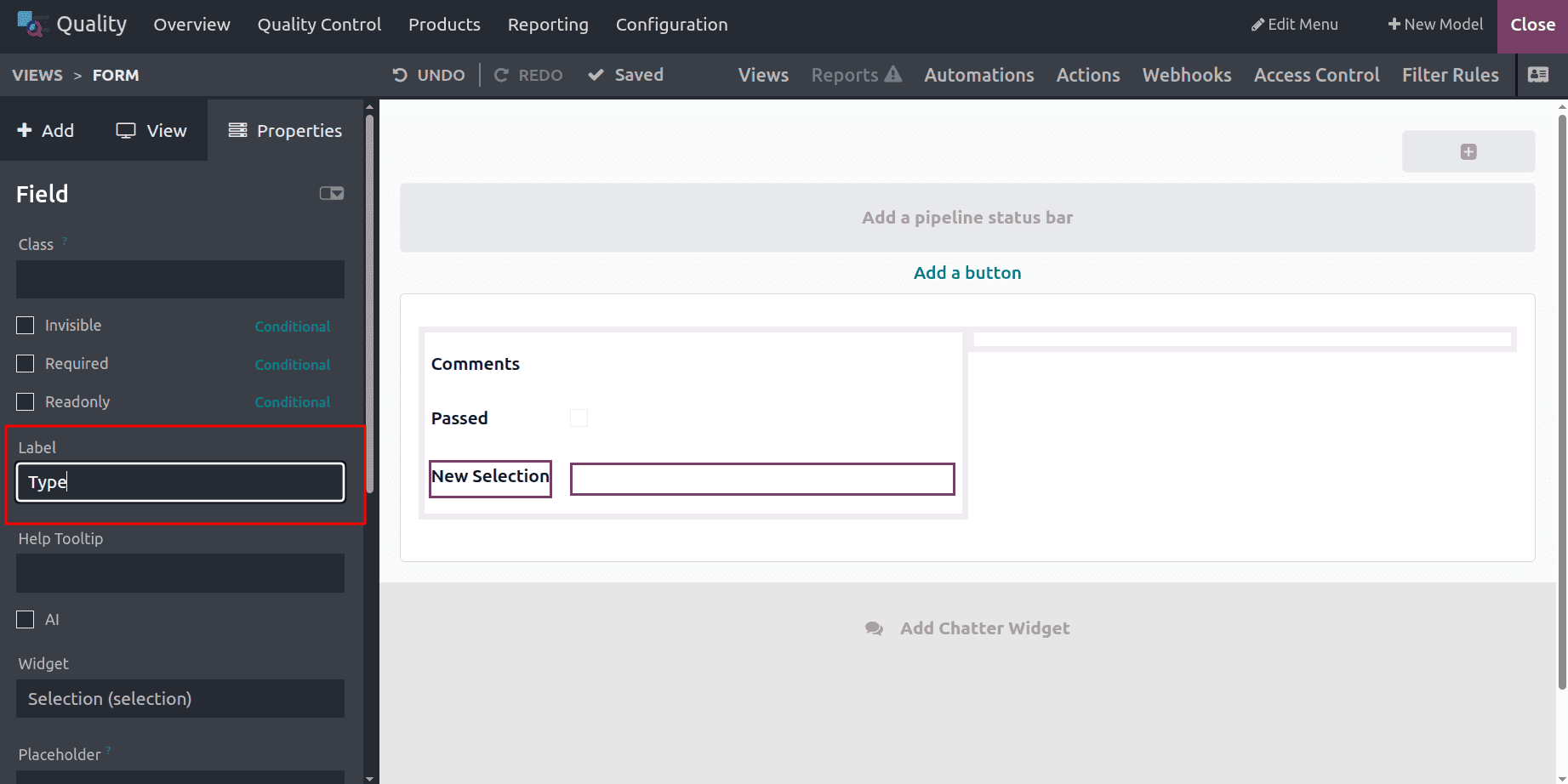
Then, add the label to the field as shown below.
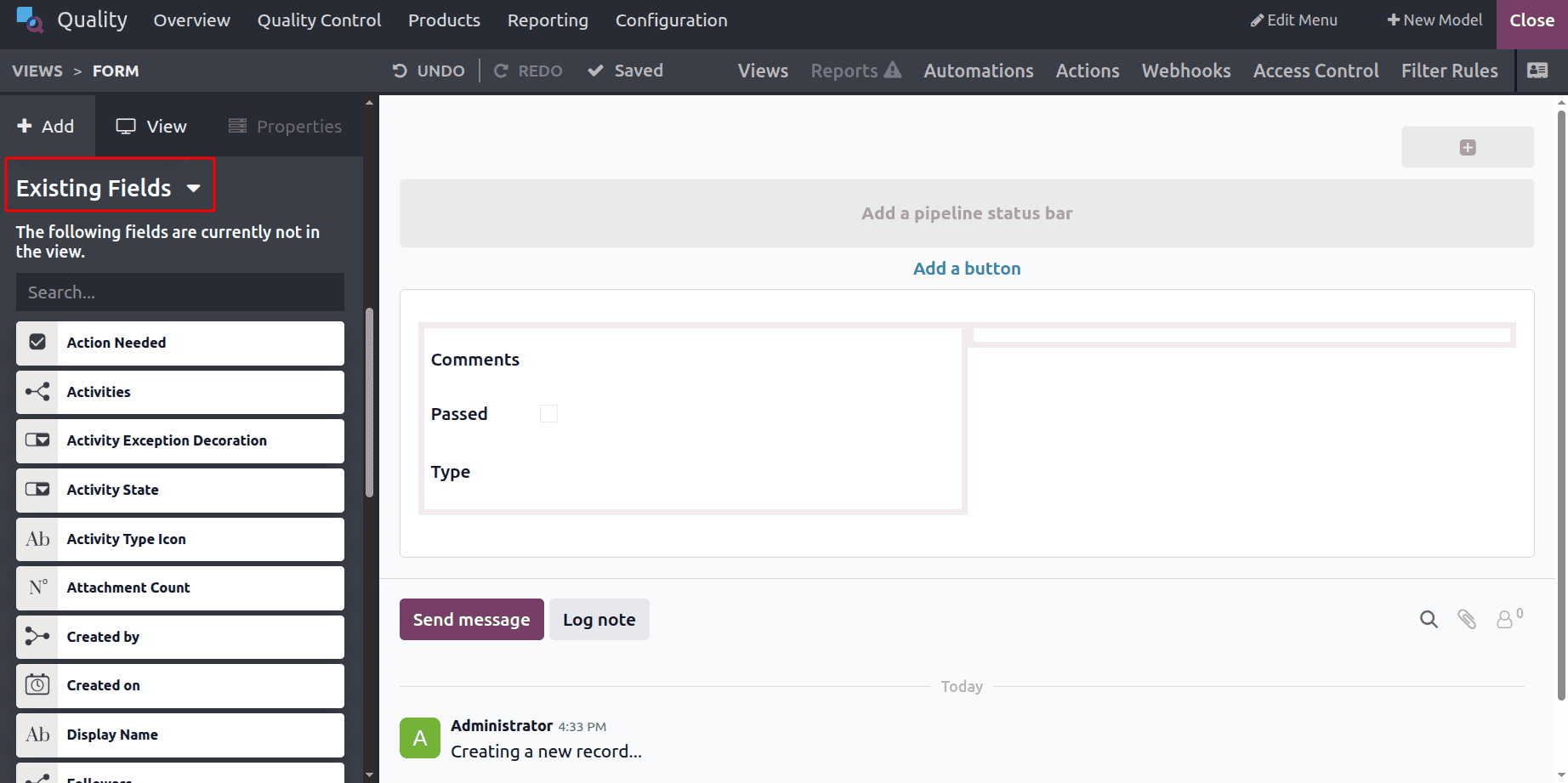
There are also some existing fields available. Users can choose the necessary fields, such as Action Needed, Activities, and Activity State, which are the available fields.
Here, some fields are chosen, such as ID, Created by, Created on, Sign, and Comments, which are the selected fields. Then save the created one.
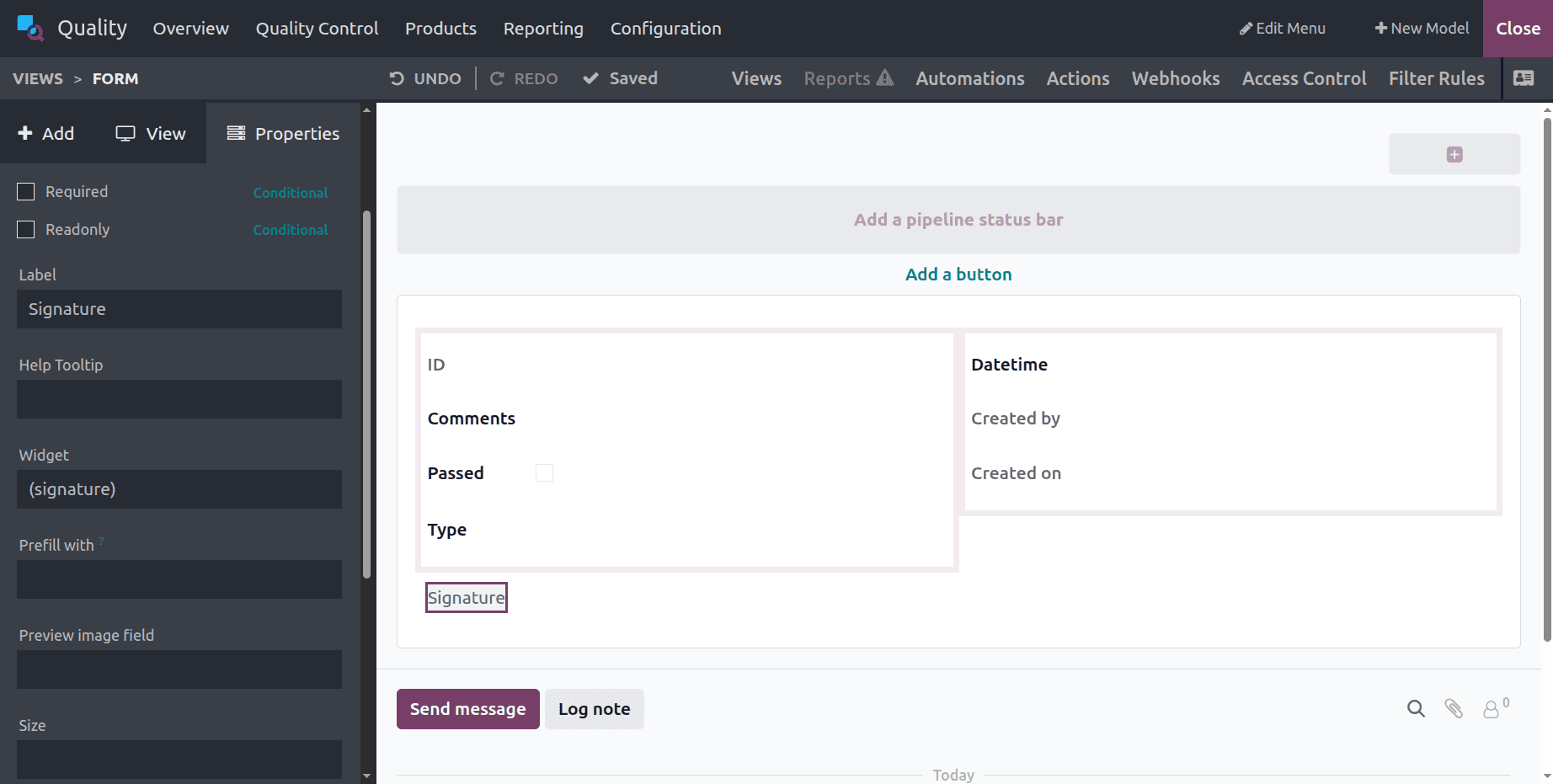
This completes the customisation. As you can see above, the newly produced responsible comments are all part of the worksheet template.
Selecting this worksheet for our control point and configuring it for the particular operation where we wish to use it is the next step. Click the Quality Control menu and select Control Points to create a new control point. Click the New button to create a new entry.
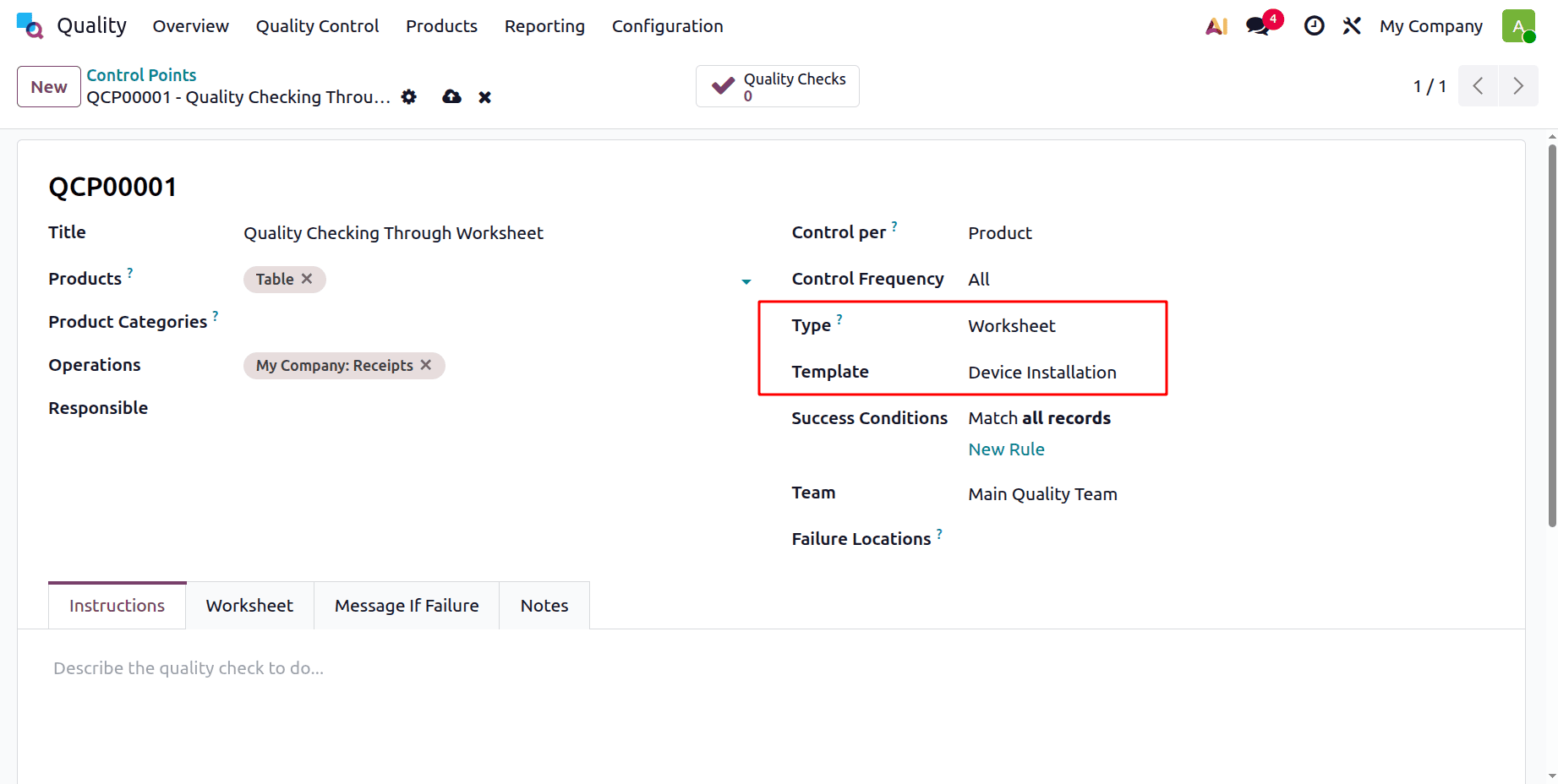
Enter the required information, including Title, Product, Product Category, Operation, Company, Responsible, Control Period, Control Frequency, and Type.
As shown in the screenshot above, set the type to worksheet, which offers the template option where you may add the freshly created worksheet template.
Thus, the operation is accomplished, and the control points were made for the product table. This implies that a quality check is done prior to the goods being received for stock.
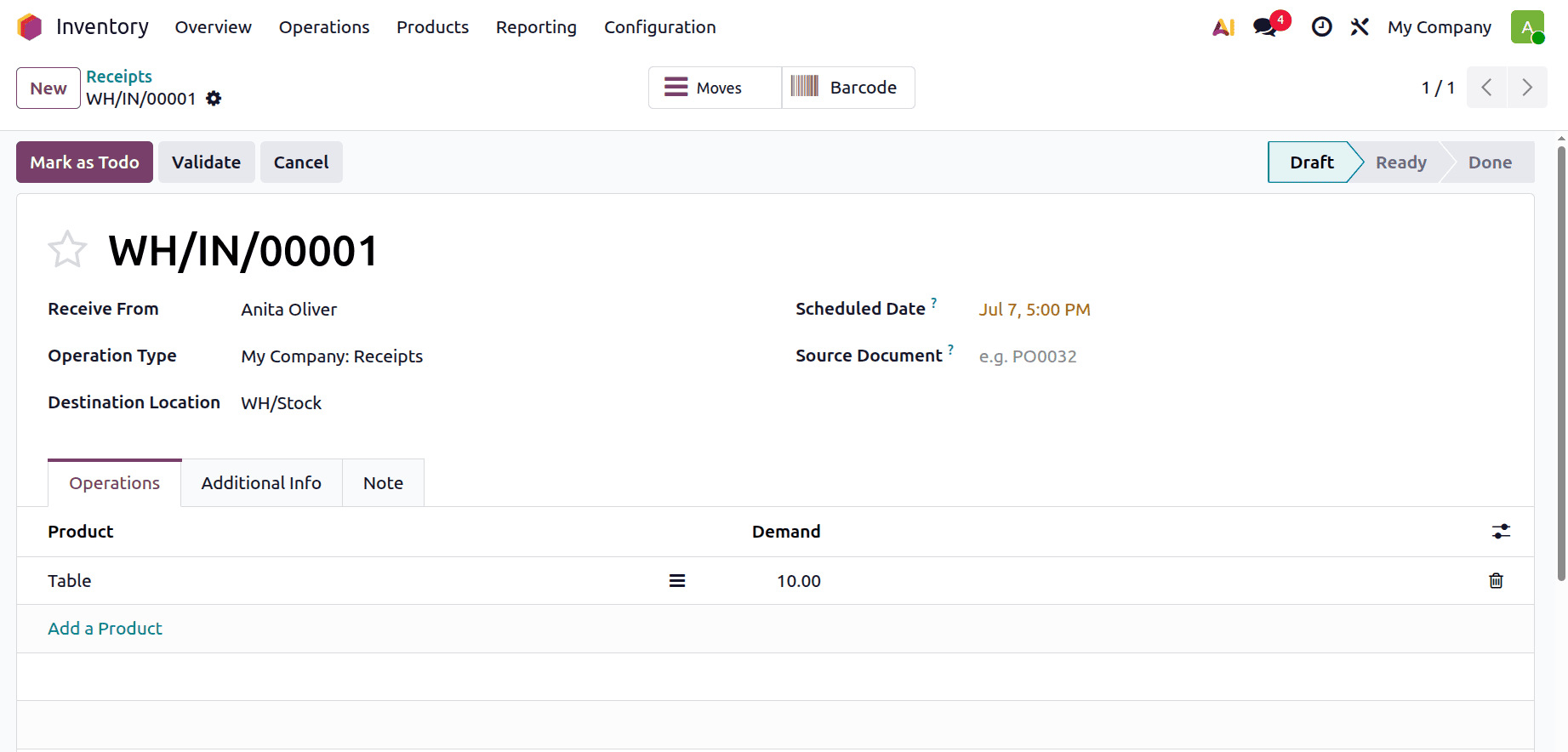
Let's use the product's transfers option to create a new receipt and observe how the quality checks show up. Go back to the inventory module for that. The receipt was made by Anita Oliver, the vendor.
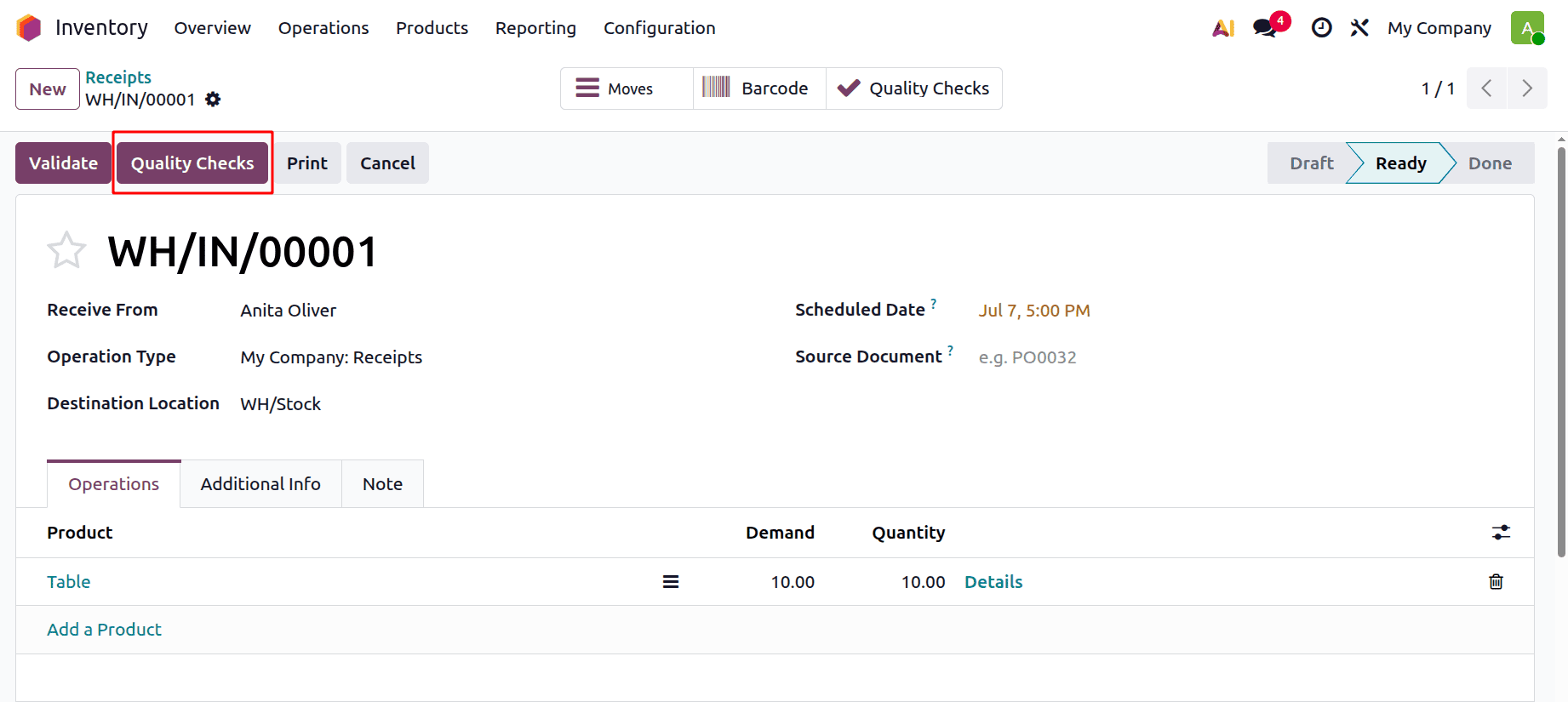
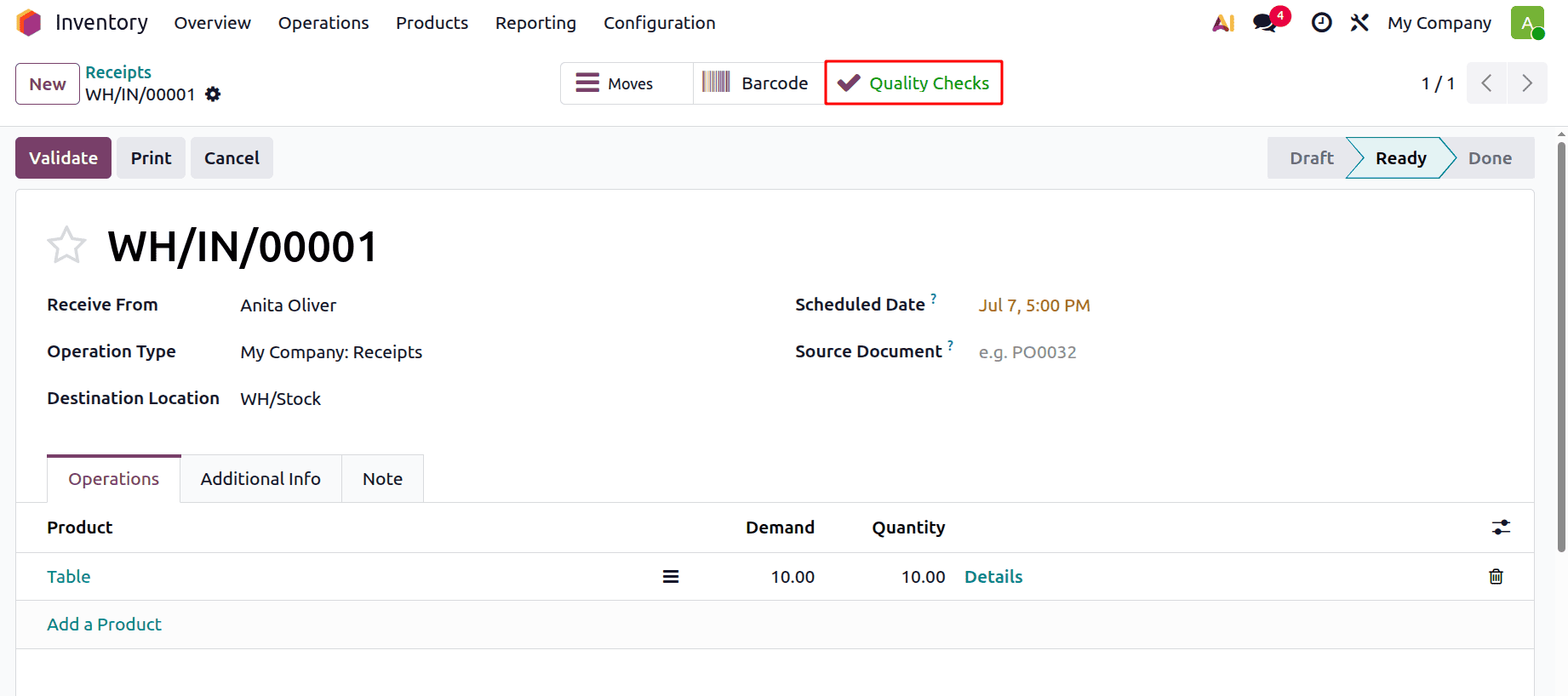
Before validating, do the quality checks. Click the Quality Checks option to perform this action, as shown in the image below.
After that, a pop-up window will appear, as shown in the picture below, requiring you to enter the information. Here, the created worksheet will be available as shown below. After entering the required details in the added fields, click the Validate button.
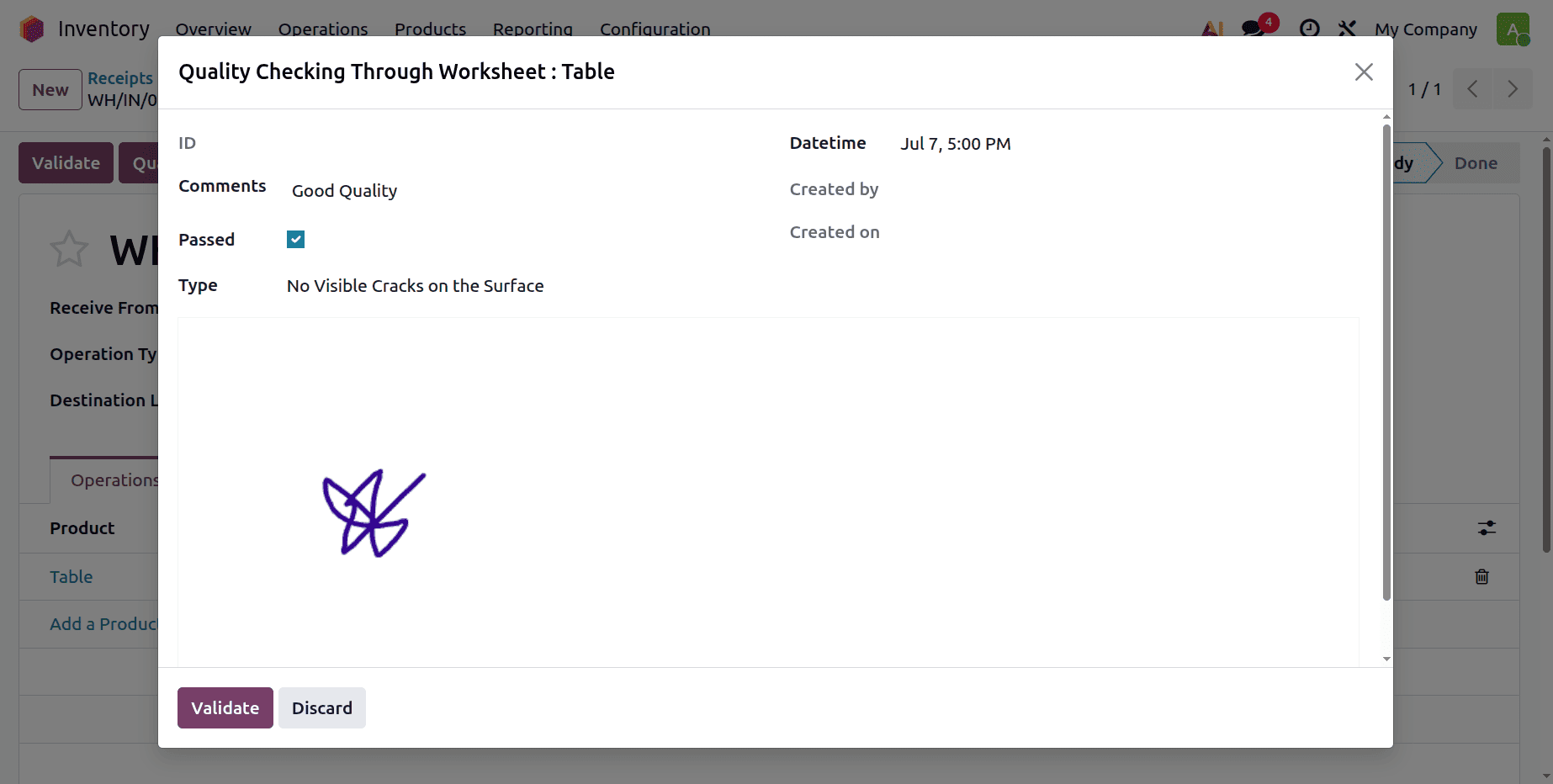
The Validate icon can then be used to confirm the receipt. The green-colored Quality Checks smart button is yours.
Return to the quality module now, choose the quality control point, and take the freshly generated one. The quality check smart tab is shown there, as shown in the picture below.
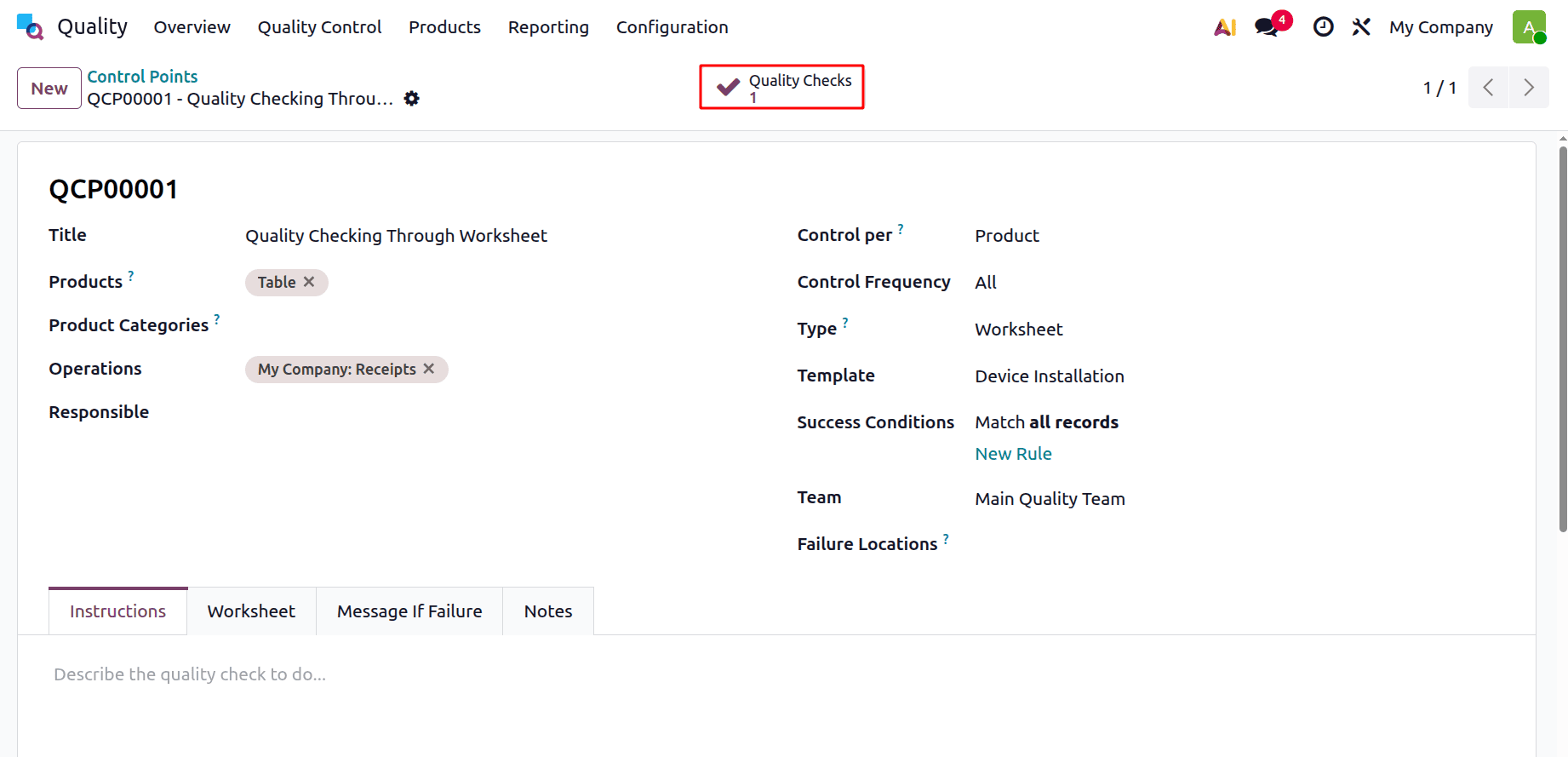
When you click the smart button, the product's quality check is displayed.
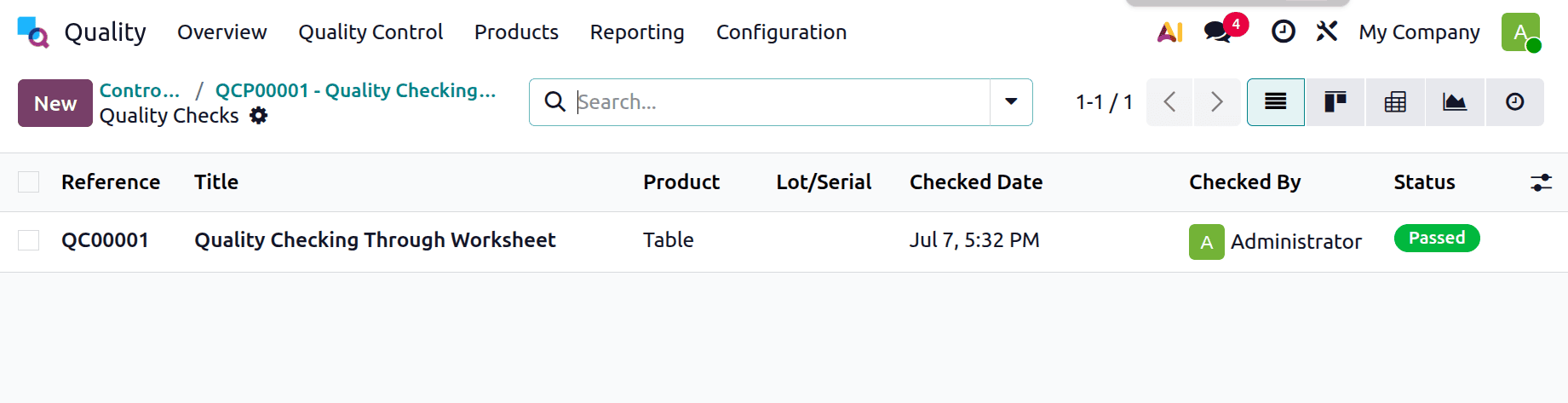
Select the newly generated quality template by going to the quality check option, as seen in the picture below.
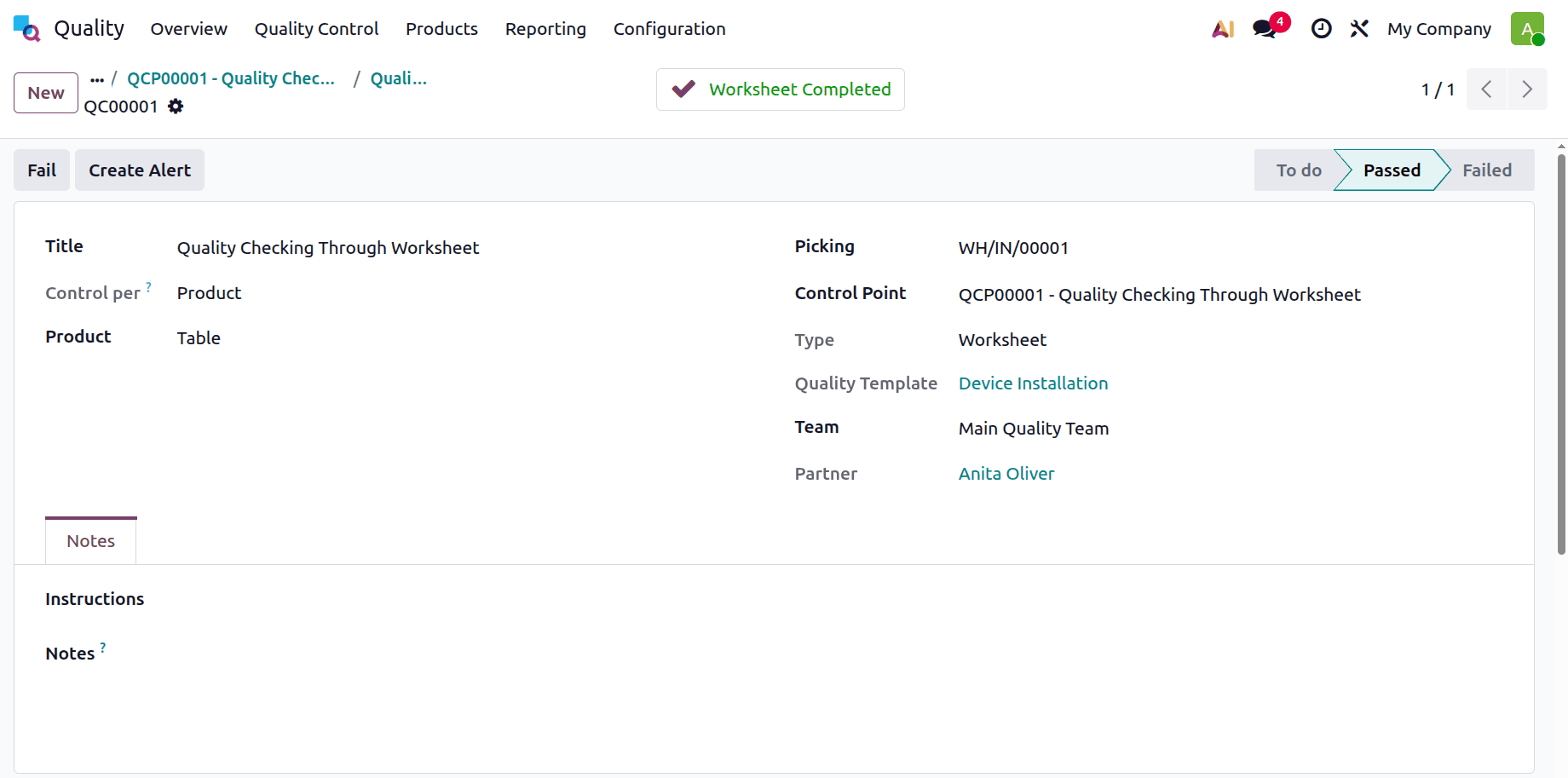
The Worksheet Completed smart tab is shown here. Click the smart tab to view the configured worksheet containing the newly added fields, as illustrated in the image below.
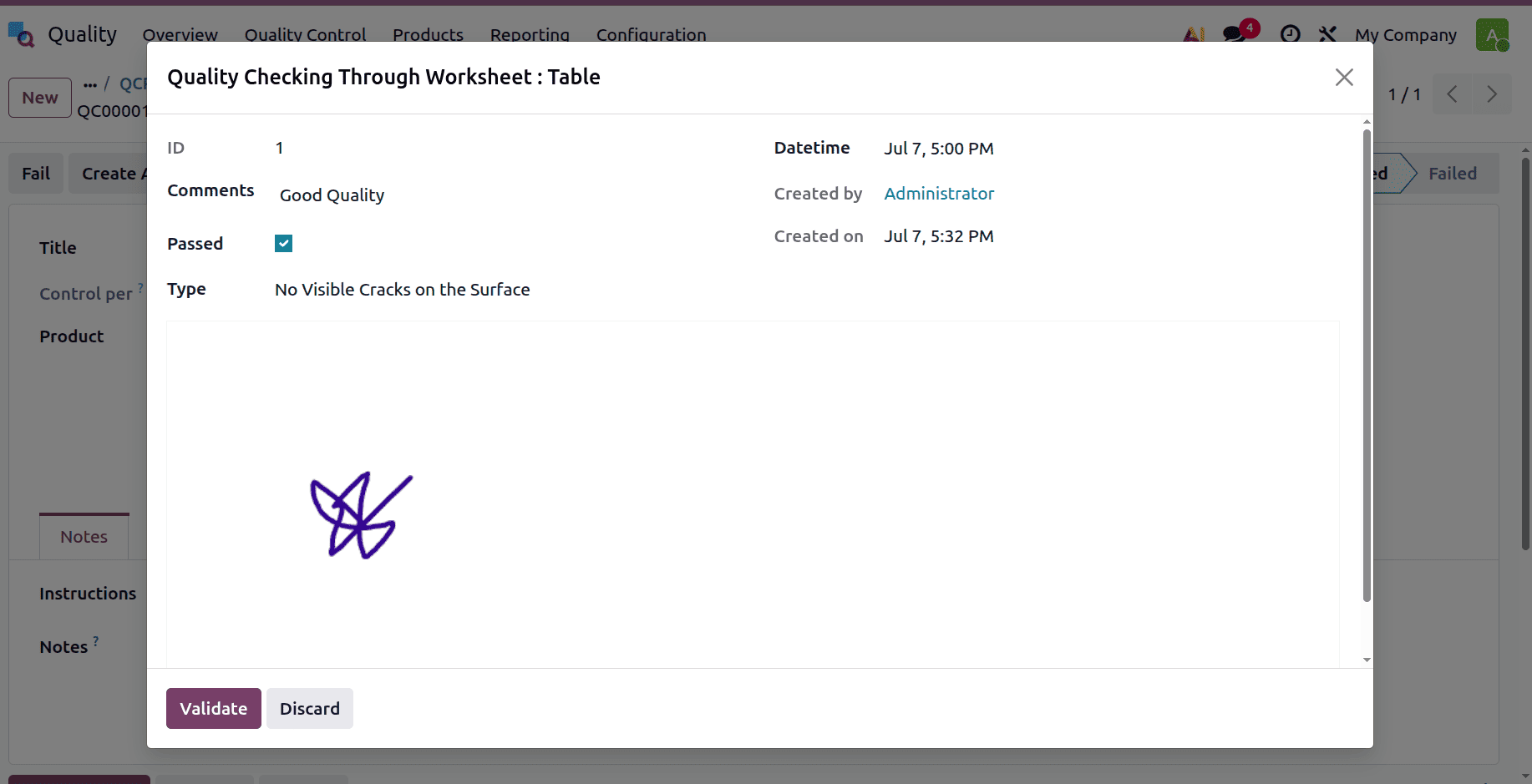
Thus, this preserves traceable records, gathers crucial information, and speeds up the inspection. This part is excellent documentation for audits, studies, and programs with a continuous improvement focus. Businesses can easily and successfully maintain high standards thanks to Odoo's quality worksheet templates, which help standardise and digitise quality operations.
In conclusion, the Quality Worksheet Template in the Odoo Quality module is crucial for enhancing the effectiveness and consistency of quality control processes. By providing an organised and flexible platform for inspections, it ensures that all quality checks are appropriately documented and compliant with corporate standards. Integrating worksheets with operations and control points improves traceability, reduces human error, and encourages adherence to regulations. Ultimately, using worksheet templates helps businesses maintain high standards for product quality, speed up audits, and foster an environment where processes are continuously improved.
To read more about How to Configure a Quality Worksheet Template in Odoo 18 Quality Module, refer to our blog How to Configure a Quality Worksheet Template in Odoo 18 Quality Module.