Directus is an open-source headless CMS that sits on top of your database, providing instant REST and GraphQL APIs without requiring custom backend development. By running Directus locally using Docker, developers can quickly create a data management system and connect it with Odoo.
In this blog, we will see how to configure Directus locally using Docker, connect it to Odoo, and fetch data from Directus instead of fetching data from Odoo. And also, we can create records from Odoo to Directus.
To follow this guide, you'll need the following software installed:
- Docker and Docker Compose should be installed and properly configured on your computer
- Odoo is already running locally.
If Docker is not installed, use the command below on Ubuntu.
sudo apt update
sudo apt install -y docker.io
Next, enable and start the Docker service:
sudo systemctl enable docker
sudo systemctl start docker
Confirm the installation:
docker --version
docker compose version
Begin by creating a new directory and moving into it. Create a configuration file with the following name in this directory: docker-compose.yml, which will define how your Directus container runs. Once the file is created, add the necessary Docker Compose configuration details.
services:
  db:
    image: postgres:15
    environment:
      POSTGRES_USER: odoo19
      POSTGRES_PASSWORD: cool
      POSTGRES_DB: directus
  directus:
    image: directus/directus:latest
    ports:
      - "8060:8055"
    depends_on:
      - db
    environment:
      DB_CLIENT: pg
      DB_HOST: db
      DB_PORT: 5432
      DB_DATABASE: directus
      DB_USER: odoo19
      DB_PASSWORD: cool
      PUBLIC_URL: http://localhost:8060
Run the following command in your terminal to initialize Directus and its database in the background:
docker compose up -d
To confirm that everything is running properly, check your active containers:
docker ps
Open your web browser and navigate to:
URL: http://localhost:8060
If this is your first time accessing the platform and you need to register, or if you already have an account or prefer to use the default configuration, log in with your existing credentials.
Then, you will enter the screen where you need to create collections
Create a Collection
Collections in Directus are similar to database tables and work much like models in Odoo.
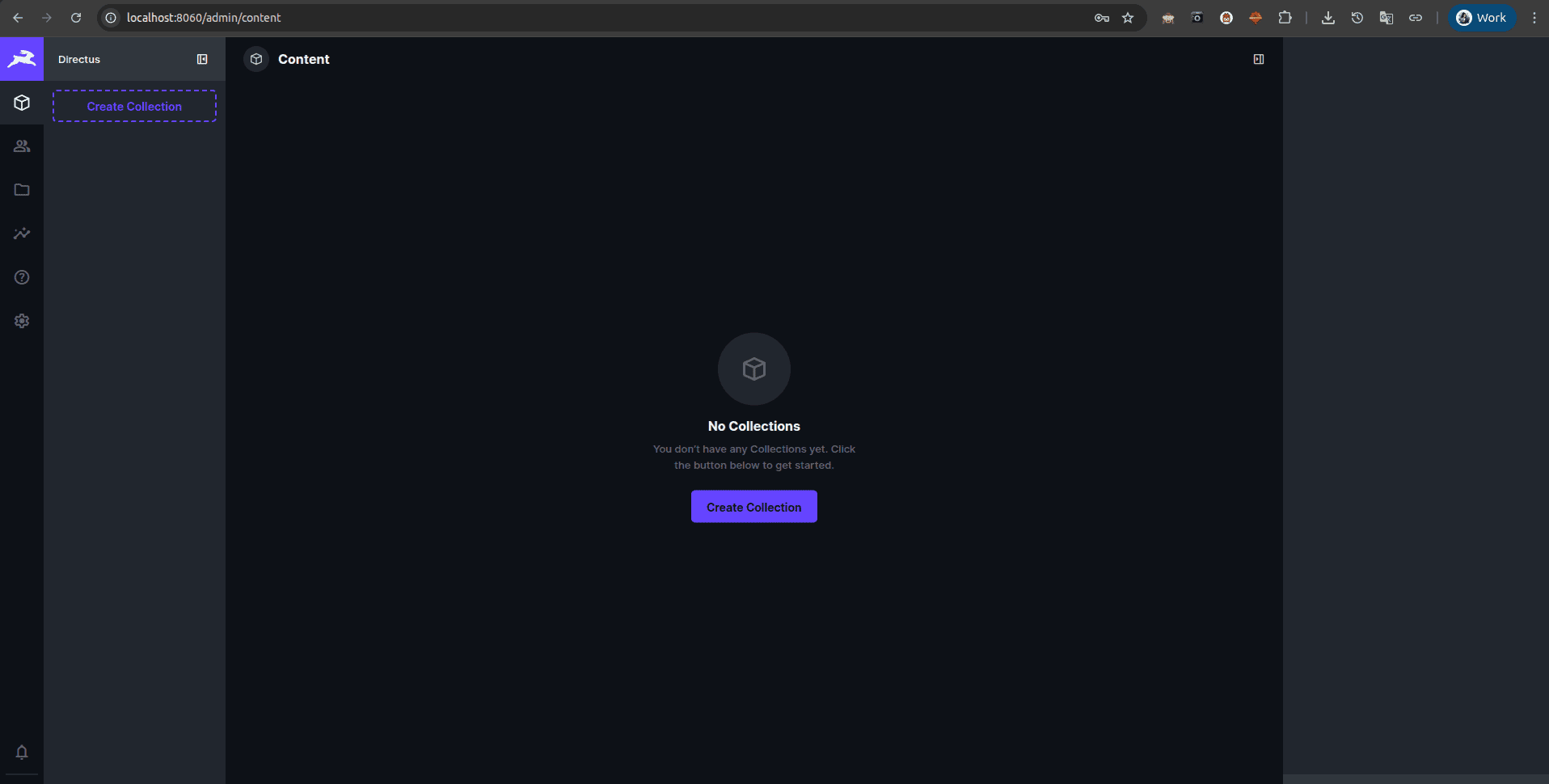
To manage data structure, navigate to the Settings > Data Model section in your sidebar to build your first collection.
Click the Create Collection and set the Collection Name, for example, Products
Leave the default settings for the Primary Key (ID) as they are, then save.
Then, you can select the Directus default fields.
Add the necessary fields in Directus using specific data types.
Once the collection is created, add the following fields to match your product:
Integrating Directus with Odoo
Now, we can get the values from Directus instead of taking from odoo.
For example:
Now that the product data is available in Directus, Odoo can retrieve it through the Directus REST API.
The following example updates the Sales Order Line price whenever a product is selected.
class SaleOrderLine(models.Model):
   _inherit = "sale.order.line"
   @api.onchange("product_id")
   def _onchange_product_id(self):
       if not self.product_id:
           return
       try:
           response = requests.get(
               "http://localhost:8060/items/{collection_name}",
               params={"filter": json.dumps(
                   {"product_code": {"_eq": self.product_id.default_code},
                    "name": {"_eq": self.product_id.name}})},
               headers={"Content-Type": "application/json",
                        "Authorization": "Bearer YOUR_ACCESS_TOKEN"},
               timeout=10,
           )
           response.raise_for_status()
           if data := response.json().get("data"):
               self.price_unit = data[0]["price"]
       except requests.RequestException as error:
           _logger.exception("Directus API Error: %s", error)
When the function is triggered while changing the product in the sales order line, the request will be sent to Directus with filtering records using the data product code and the name of the product. If any matching records are found, and both are satisfied, the records will be returned with the record set containing the product price and all values set in the Directus. Then, we can assign the price to the sale order line. If it returns null values, it will take the price from odoo.
class SaleOrderLine(models.Model):
   _inherit = "sale.order.line"
   @api.onchange("product_id")
  def _onchange_product_id(self):
       url = "http://localhost:8060/items/products"
       payload = {
           "name": self.product_id.name,
           "product_code": self.product_id.default_code,
           "price": self.product_id.list_price,
           "cost": self.product_id.standard_price,
       }
       headers = {
           "Content-Type": "application/json",
           "Authorization": "Bearer 2mVokXLSCWovZxruhHA7XOx_M_fMIgJV",
       }
       try:
           response = requests.post(
               url,
               json=payload,
               headers=headers,
               timeout=10,
           )
           response.raise_for_status()
           data = response.json()
           _logger.info("Directus Response: %s", data)
       except requests.exceptions.RequestException as error:
           _logger.exception("Directus API Error: %s", error)
When the function triggers, the details will be sent to Directus using a POST API request, and a record will be created on it.
Directus is a simple way to manage data outside Odoo while providing easy API access. By running Directus locally with Docker, you can quickly create collections, store data, and connect them with Odoo. Odoo can both read data from Directus and create new records in it using REST APIs.
To read more about How to Dockerize a Custom Module in Odoo & Push to Docker Hub, refer to our blog How to Dockerize a Custom Module in Odoo & Push to Docker Hub.